Hook + Demo
Write a hook your product demo can deliver
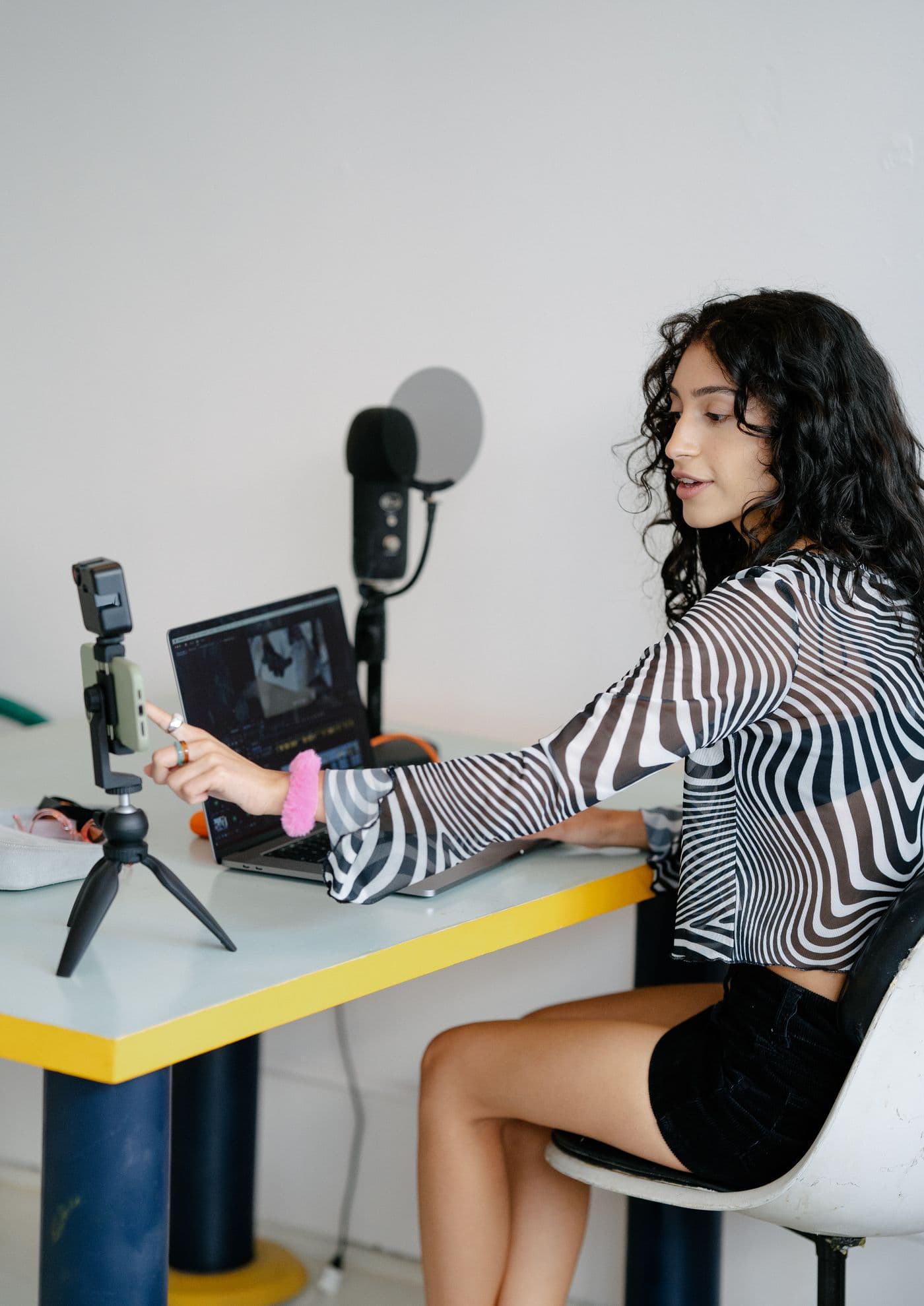
A Hook + Demo post makes a small promise and then shows the answer. The opening gets someone curious; the recording makes the idea concrete. Writing those two parts together helps you avoid an exciting introduction followed by a demo that seems to be about something else.
Start with the action you can show
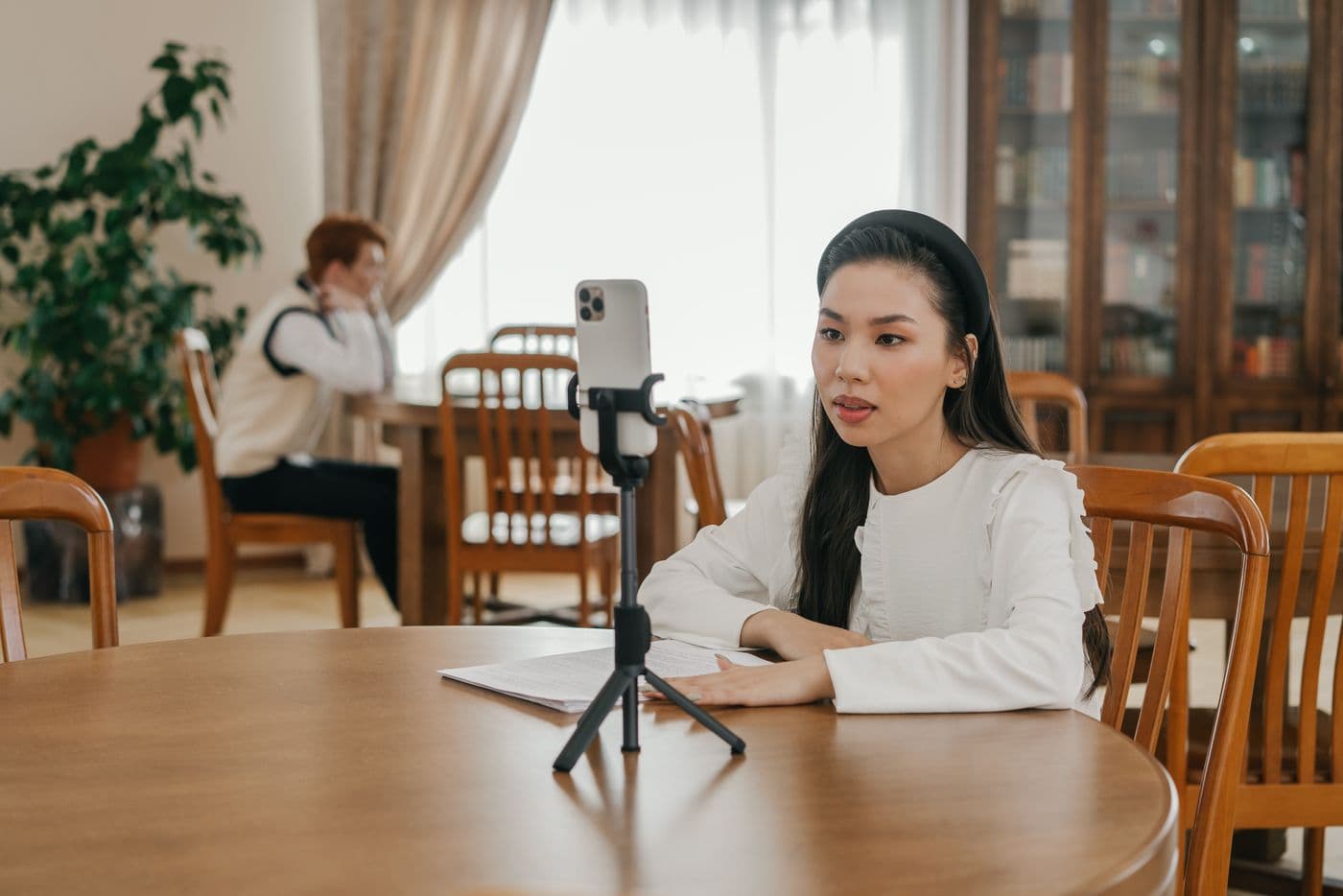
Open your product and choose one action that produces a visible result. This could be turning a note into a checklist, finding an invoice, or creating a draft. Record that action before you settle on the hook. The footage tells you what you can honestly promise.
Prepare the screen so the important action is easy to follow. Use a sample account with readable content. Remove unrelated windows and notifications, and begin close to the action instead of recording a long trip through menus. Replay the recording at phone size to check that the result is legible.
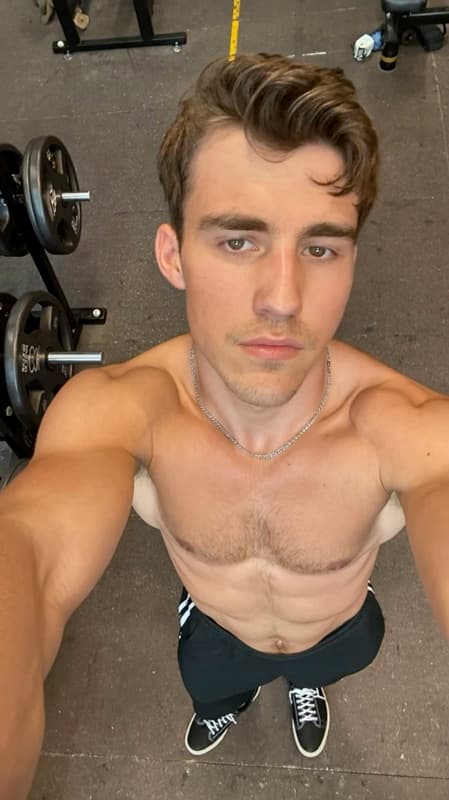
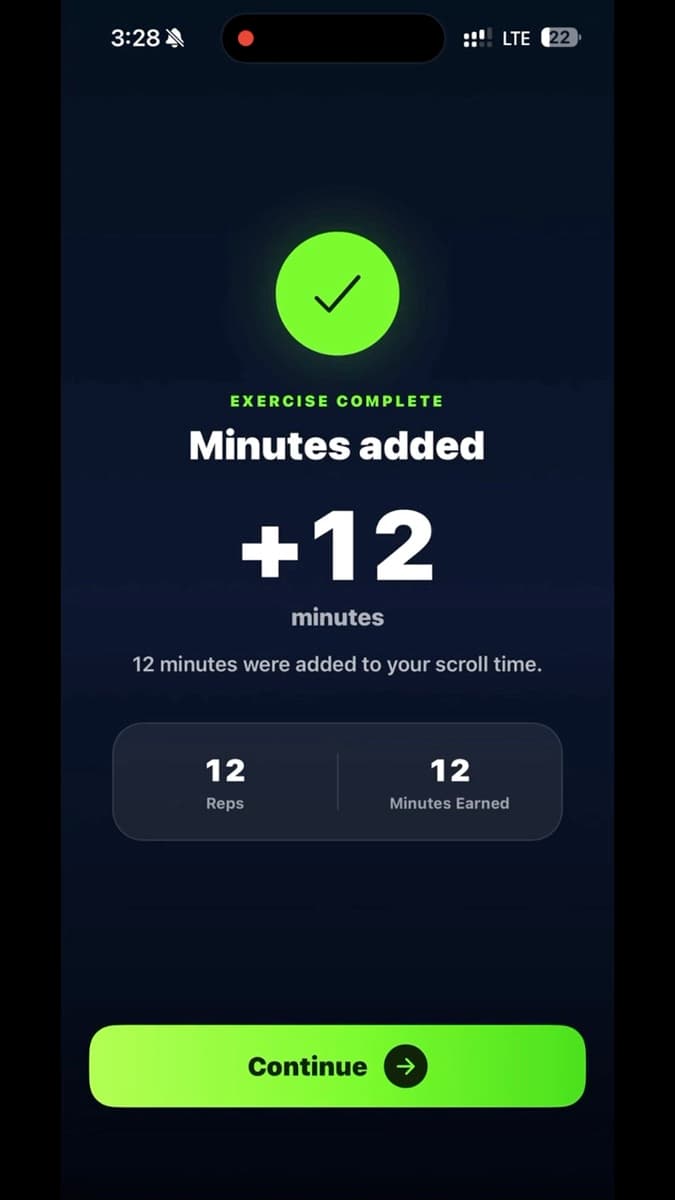
The Viraal example below uses one visible payoff: completing pushups adds twelve minutes of scroll time. The opening reaction does not explain the app. It creates the question that the recording answers.
Turn the result into a specific opening
Describe the task or frustration in everyday language. “This app is a game changer” could introduce almost anything. A line about the exact thing someone wants to finish gives the next scene a job to do.
Treat a first draft as a question: can this recording support every part of the sentence? If you say the product sorts tasks by deadline, show the sorted list. If the result is hard to demonstrate, narrow the claim until the connection is obvious.
Give the reaction a reason to be there
Choose a hook clip whose reaction or activity supports the sentence. Confusion might fit a frustrating workaround; surprise might fit an unexpected result. An activity such as studying or working can also establish the situation without a dramatic reaction.
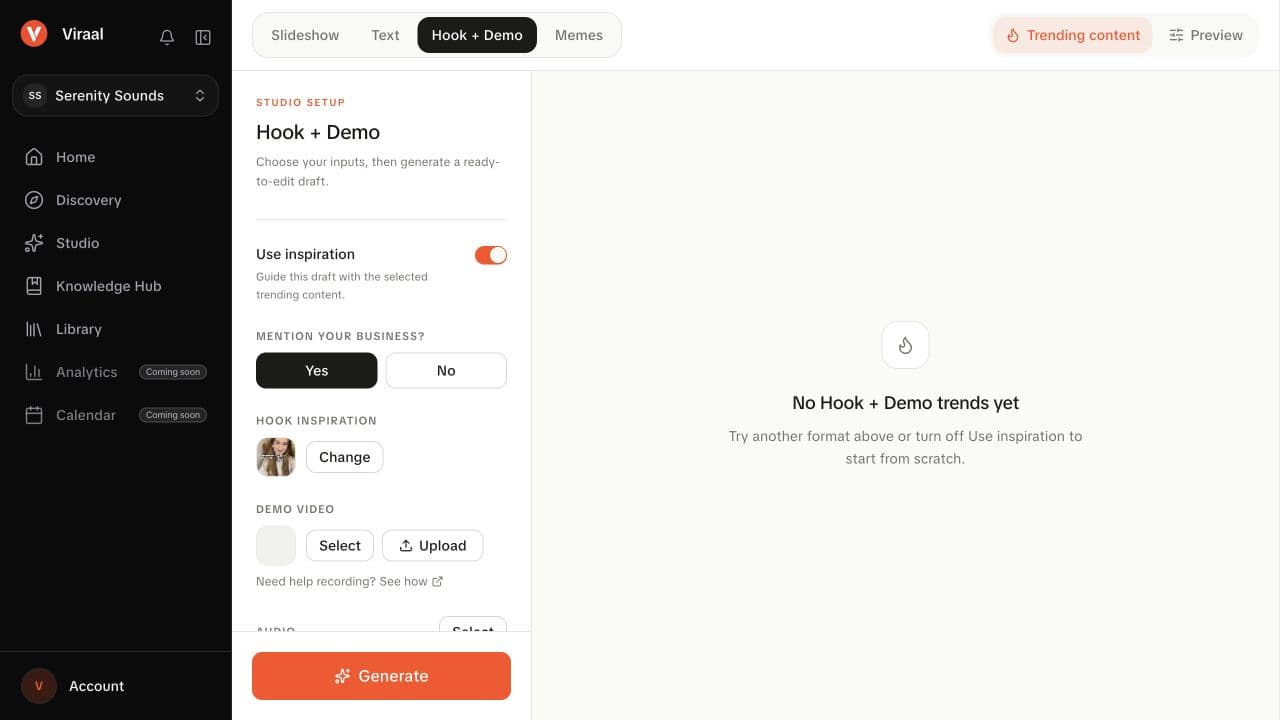
In Studio, choose Hook + Demo, select the hook inspiration, and choose your demo video. Generate a draft, then use the editor to adjust the text and clips. Watch where the hook hands over to the demo: the viewer should know what they are about to see.
- Choose a reaction that matches the emotion in the opening line.
- Keep the hook on screen only long enough to read once.
- Trim the demo so the promised action starts immediately.
- Play the handoff twice: once muted for clarity and once with audio for pacing.
Make the last edit with sound off
Preview without audio once. Read the hook, follow the action, and check whether the visible result answers the opening. If the meaning depends on an explanation that is not on screen, add a short overlay or simplify the sequence.
Then listen with audio on. Music should support the pace without obscuring anything the viewer needs to hear. Check the beginning and end of the exported video as well as the transition. Keep this version as a baseline before trying a second hook with the same demo; that makes the creative difference easier to identify.