Creative workflow
How to turn inspiration into your next post
A reference is most useful when you can explain why it caught your attention. Was it the first sentence? A reaction that said everything before you read the text? A product demo that answered a familiar frustration? Naming that part gives you a concrete starting point for your own post.
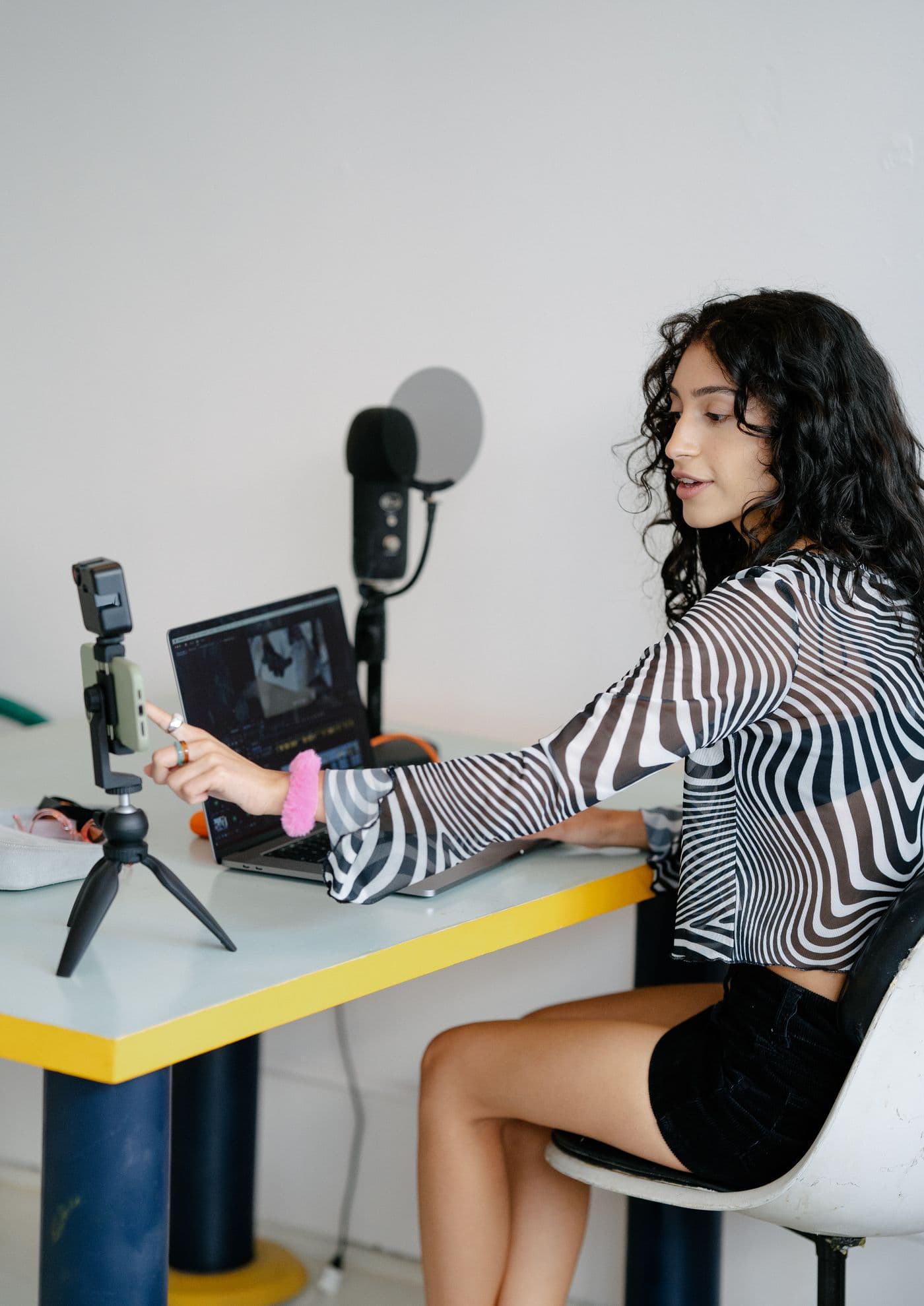
Separate the structure from the subject
Write down three things: what the viewer sees first, what the text promises, and what happens next. These are separate creative decisions. A surprised face can introduce a discovery; a quiet desk scene can support a personal observation. Neither tells you what the product claim should be.
Keep the useful structure, then replace the subject with a real customer situation. If the original introduces a study tool with an unexpected feature, your version needs its own specific discovery. Swapping only the product name leaves you with a claim that may not belong to your business.
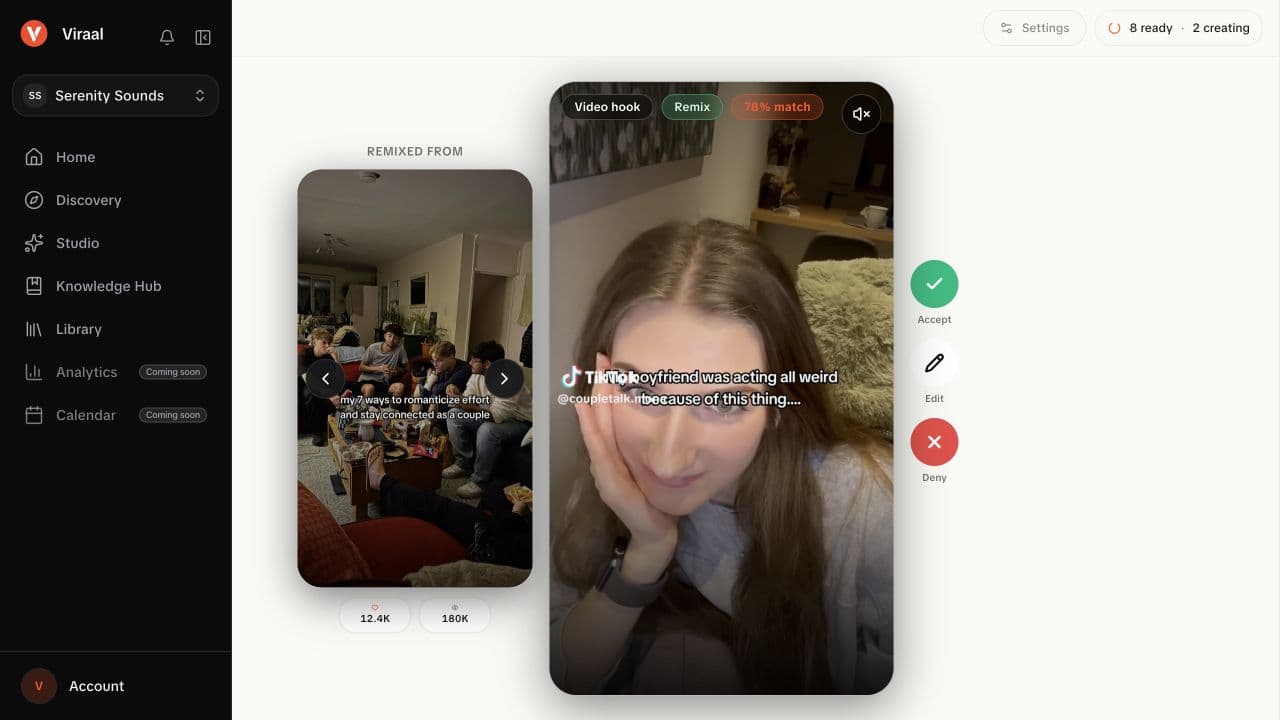
Choose the format before writing the whole script
Use a slideshow when the idea needs a sequence of short points. Use Hook + Demo when the product action is the payoff. A meme works when the visual and caption share a recognizable joke. Wall of text suits one complete thought that can stay on screen while the background plays.
Trying to force a five-step explanation into a single meme usually produces too much text. Choosing the format first gives the draft a useful boundary.
Build the draft in Studio
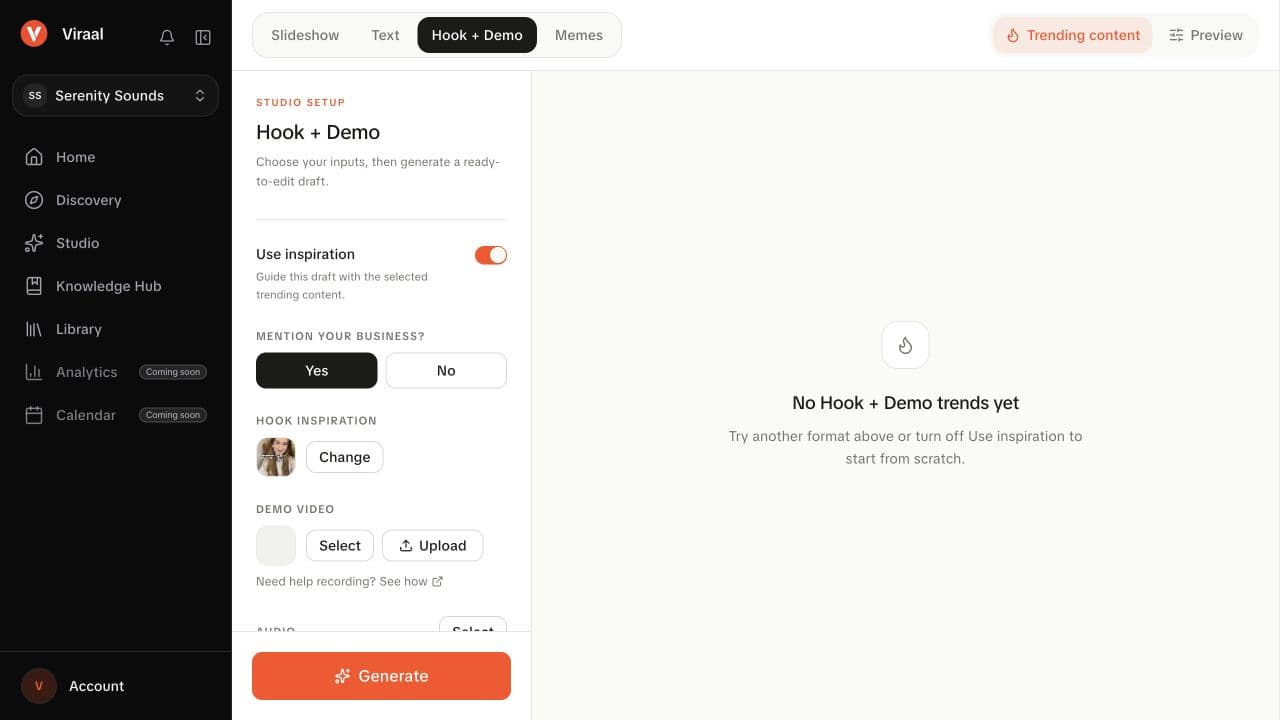
In Viraal, choose a format, select a matching inspiration, and enable Use inspiration. Check the active workspace and the business information in Knowledge Hub before generating. That context gives the draft something concrete to adapt the reference to.
In the Studio setup below, the selected reaction is only the opening asset. The creator still has to choose the product recording, decide whether the business should be mentioned, and review the generated words. That separation prevents a reference clip from dictating an unsupported product claim.
- Select a reference that matches the kind of post you want to make.
- For Hook + Demo, choose or upload a demo that shows the promised action.
- Add a short prompt naming the audience, the feature, and the point you want to make.
- Generate, then read the entire draft and preview the visuals together.
Review the connection, not just the wording
Ask whether the chosen visual still supports the adapted text. A laughing reaction can undermine a serious frustration. A surprised reaction may fit a discovery, but the demo still has to make that discovery understandable. Swap the clip or edit the copy if they pull in different directions.
Finish by removing borrowed details that are not true for your product. Check the text at the size someone will actually watch it, then play the export from beginning to end. The reference should help you make a clear post about your own product, with a beginning and a payoff that belong together.